
Published July 30, 2026 · Updated September 12, 2026 · 6 min read
Log Rental Hours From Claude or ChatGPT: The HourProof Connector Explained
Update: HourProof is now an official ChatGPT app
OpenAI has reviewed and approved HourProof for the ChatGPT app directory. You no longer need developer mode or a server URL — install HourProof in ChatGPT in a couple of taps.
The best material-participation log is the one you actually keep. That is why HourProof gives you so many ways to capture an entry — typing, voice, receipt scans — and now there is one more: your AI assistant. HourProof is an official, OpenAI-approved ChatGPT app and a connector for Claude, so you can say “log two hours fixing the deck at the lake house yesterday” in the middle of whatever else you are doing, and it lands in your contemporaneous log, correctly structured, seconds later.
What “connector” means (30-second version)
Claude and ChatGPT can both talk to outside apps through an open standard called the Model Context Protocol (MCP). An app publishes a small server that describes what it can do; your assistant connects to it, and from then on it can use those abilities in conversation — with your permission, under your account. Think of it as giving your assistant a keychain: each connector is one key, you decide which keys it holds, and you can take any of them back at any time.
HourProof’s MCP server lives at https://www.hourproof.app/api/mcp. It speaks the same protocol to every assistant that supports MCP, which today includes Claude (web, desktop, and mobile) and ChatGPT.
What your assistant can do once connected
The connector exposes six tools:
- Log Activity — add a material-participation entry (property, date, minutes, category, description) to your account, optionally with a photo or document attached.
- Attach Evidence — add a receipt, photo, or document to an activity you already logged.
- List Activities — review what you have logged, filterable by date range, property, or category.
- List Properties — your rentals with their type (STR/LTR) and goal hours, so the assistant logs to the right place.
- Get Progress — hours logged vs. your material-participation goal per property (100h STR / 750h LTR by default).
- List Bookings — guest stays you have recorded, handy for “what happened around that reservation” questions.
Which unlocks conversations like:
- “Log 90 minutes of guest messaging for the beach condo this morning.”
- “How am I tracking toward the 100-hour test on my STR?”
- “What did I log last week across all properties?”
- “Draft a summary of my July hours for my CPA.”
In both ChatGPT and Claude, Get Progress can render a live progress card — a ring per property showing hours against goal with a year-elapsed marker — right inside the chat.
Connecting in Claude
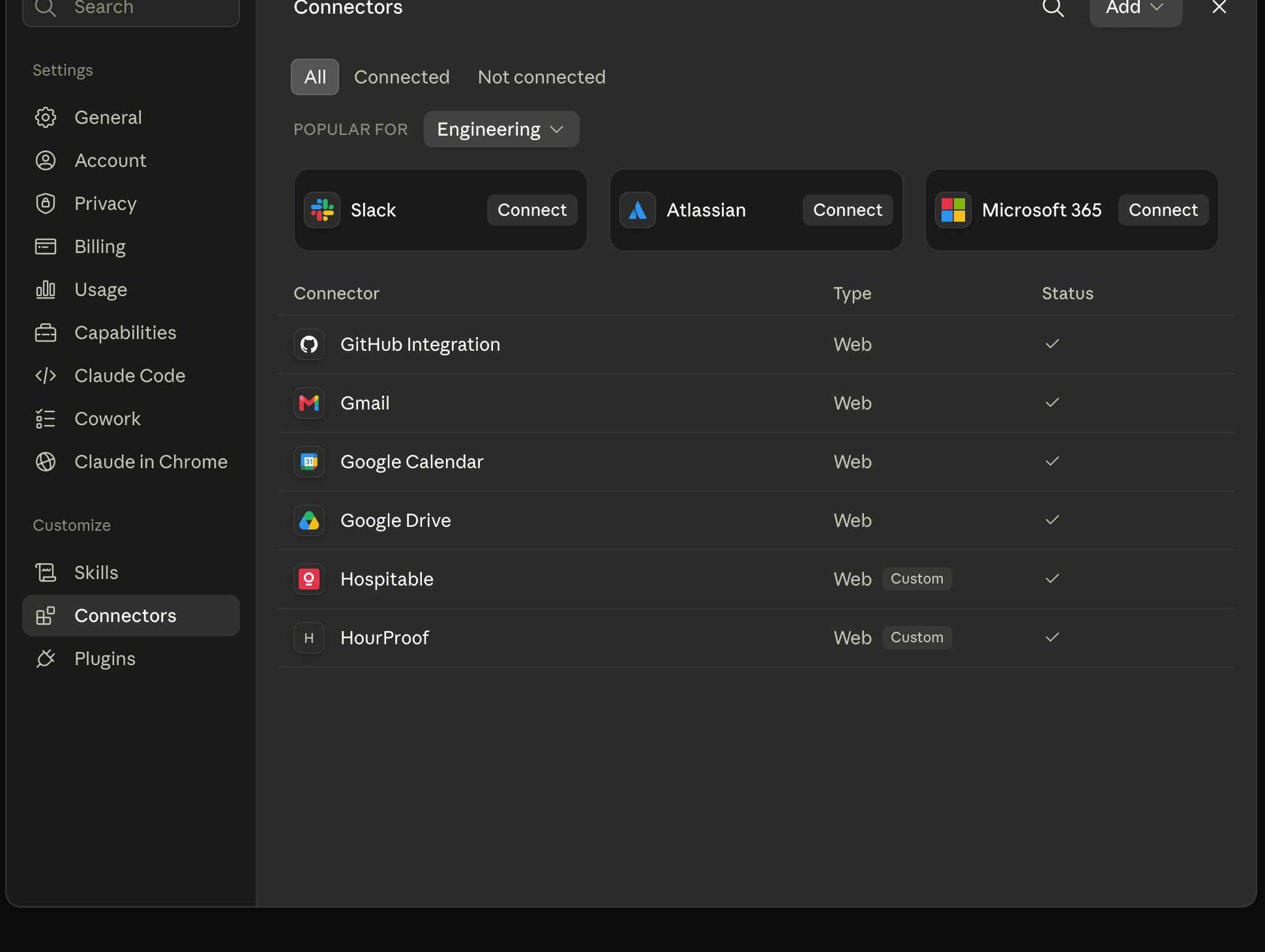
In Claude, open Settings → Connectors, choose Add custom connector, and paste the server URL https://www.hourproof.app/api/mcp. Claude sends you to hourproof.app to sign in and approve access — the same OAuth flow you know from “Sign in with Google.” Once approved, HourProof appears in your connectors list:
Connecting in ChatGPT
HourProof is listed in the official ChatGPT app directory, so setup takes three steps:
- Open the HourProof app listing in ChatGPT (or search for “HourProof” in ChatGPT’s app directory) and choose Install.
- Sign in to hourproof.app with your usual HourProof account and approve access.
- Start a chat with
@HourProof— for example, “@HourProof log 90 minutes of turnover cleaning at Beach House yesterday.”
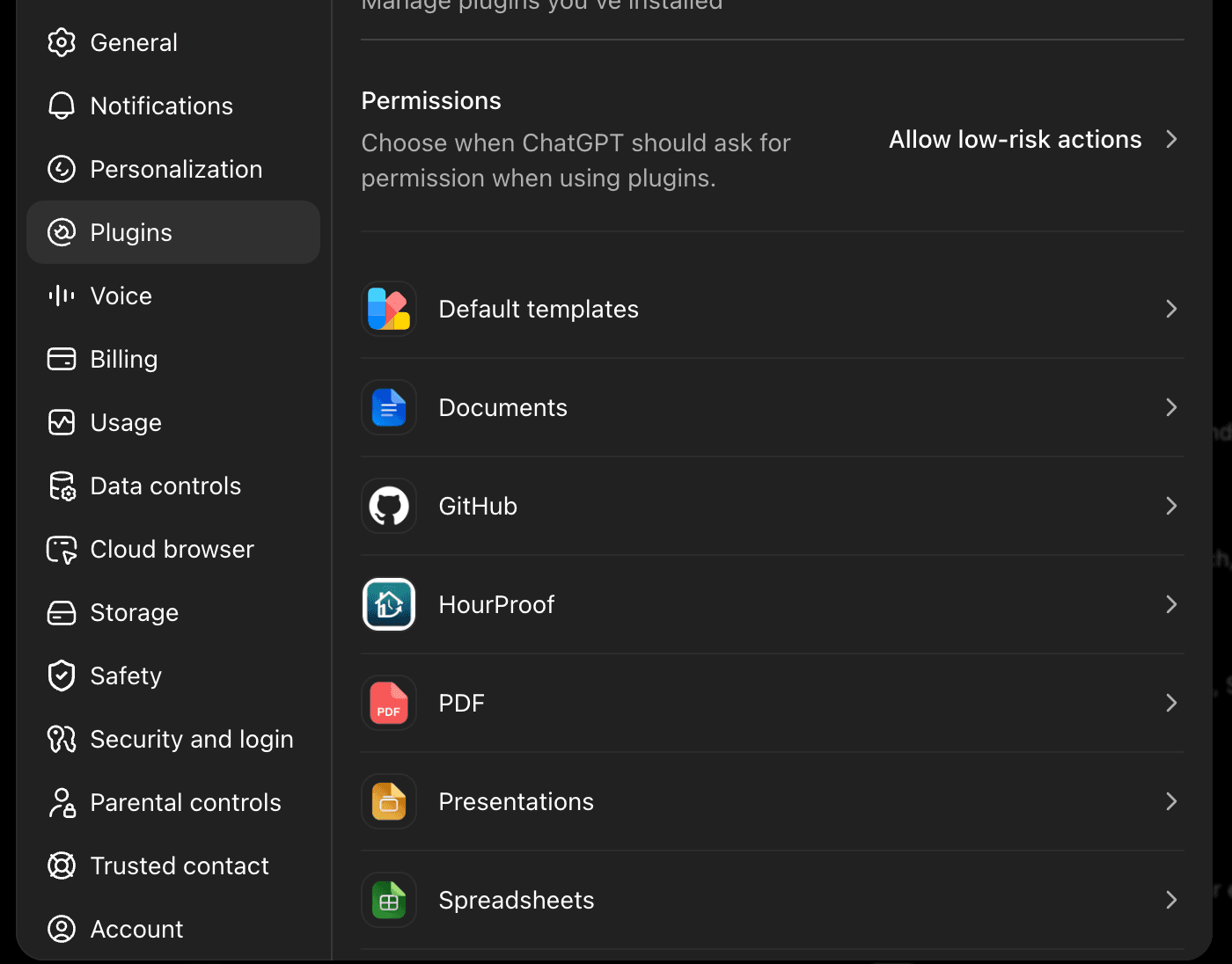
Once installed, HourProof shows up in your ChatGPT app settings:
Built for tax records, not just convenience
An AI shortcut is only worth using on your tax log if it cannot damage the log. The connector is deliberately conservative:
- You approve access on hourproof.app — OAuth 2.1 with PKCE; the assistant never sees your password, and you can revoke access from your assistant’s settings at any time.
- Add-only, no edits, no deletes — the writing tools only add new entries or attach evidence. Nothing an assistant does can modify or erase your history.
- Agent-logged labeling — entries created through the connector are marked as agent-logged in the app, so your contemporaneous record stays honest about how each entry was captured.
- Premium feature — the connector is included with Premium (existing Pro subscribers keep access).
Why this matters for material participation
The IRS standard for defending rental losses is a contemporaneous log — records made close in time to the work. The biggest failure mode is simply not logging in the moment. If your assistant is already open while you coordinate a contractor or answer a guest, the distance between doing the work and recording it drops to one sentence. More captured hours, better records, and a cleaner §469 position at year end.
FAQ
Is HourProof an official ChatGPT app?
Yes. HourProof passed OpenAI’s app review in September 2026 and is listed in the ChatGPT app directory, published by Sequoia Labs LLC. You can install it straight from the listing — no developer mode or server URL needed.
What is the HourProof connector?
It is an MCP (Model Context Protocol) server run by HourProof at hourproof.app. After you connect it in Claude or ChatGPT and approve access, your assistant can log activities to your HourProof account, list your activities and properties, show guest bookings, and report your material-participation progress — all from a normal chat conversation.
Is my data safe when I connect HourProof to an AI assistant?
The connection uses OAuth 2.1: you sign in and approve access on hourproof.app itself, and the assistant never sees your password. The assistant can use six tools — two that add data (log an activity, attach evidence to an entry) and four that read data. There are no tools for editing or deleting anything, and every entry an assistant creates is marked as agent-logged in the app. You can revoke access at any time from your assistant’s connector settings.
Which plan do I need to use the connector?
The AI connector is a Premium feature (existing Pro subscribers are grandfathered). Free-tier accounts can sign in but the assistant will be asked to upgrade before tools work.
Can the assistant delete or change my records?
No. The only write tools are log_activity, which adds a new entry, and attach_evidence, which adds a photo or document to an entry. There is deliberately no update or delete capability, so an AI mistake can never destroy your contemporaneous log. Anything an assistant logs is labeled as agent-logged and can be reviewed or removed by you in the app.
Try it: connect HourProof to your assistant
Install the official HourProof app in ChatGPT, or add https://www.hourproof.app/api/mcp as a custom connector in Claude. Approve access, and log your next activity by saying it. Requires an HourProof Premium account.